
Grow engine/Notifications
Their attention.
Your next move.
Warm signals, turned into clear next steps. When a prospect engages with your content, Nuvue gives reps the full context, what was viewed, when, for how long, plus the recommended next play to keep the deal moving.
How it works
Engagement opens. Your next task appears.
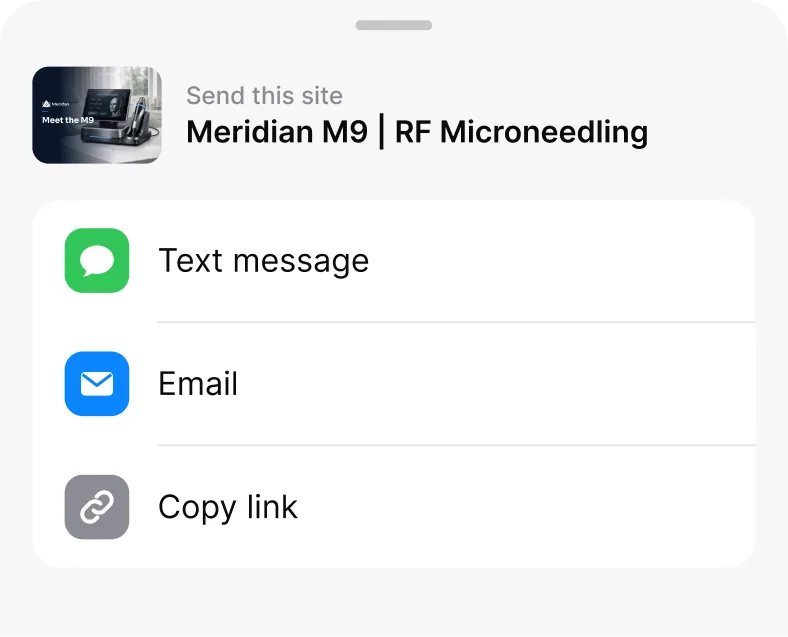
A prospect interacts with your Site. Nuvue captures the full context, what pages they viewed, in what order, for how long, and which video they actually watched through. Not just "they opened it." The whole picture.
Then, especially when a prospect's mid-playbook, Nuvue surfaces the recommended next move. "Send Step 2: Patient Stories" with a one-tap Send. The warm signal becomes a clear action, every time.
Key capabilities
From signal to next step.
Most alerting tools stop at "something happened." Nuvue translates each signal into a clear, contextual action, usually a playbook continuation, so the warm window actually gets closed.
Rich engagement context
Not "they opened it," but what they viewed, in what order, for how long, whether they watched the video through. The whole picture, every time.
Recommended next move
Especially mid-playbook: when a prospect crosses the engagement threshold, Nuvue surfaces the next step with one-tap send. Reps stop guessing what to do.
Stall detection
Reverse signal too: when a prospect goes quiet inside a playbook, you get a heads-up with a recommended fallback move, not radio silence.
Multi-channel delivery
Mobile push, email, Slack, or the Nuvue inbox. Same task, your choice of where it shows up, so the warm hand-raise reaches the rep who can act on it.
More in the Grow engine
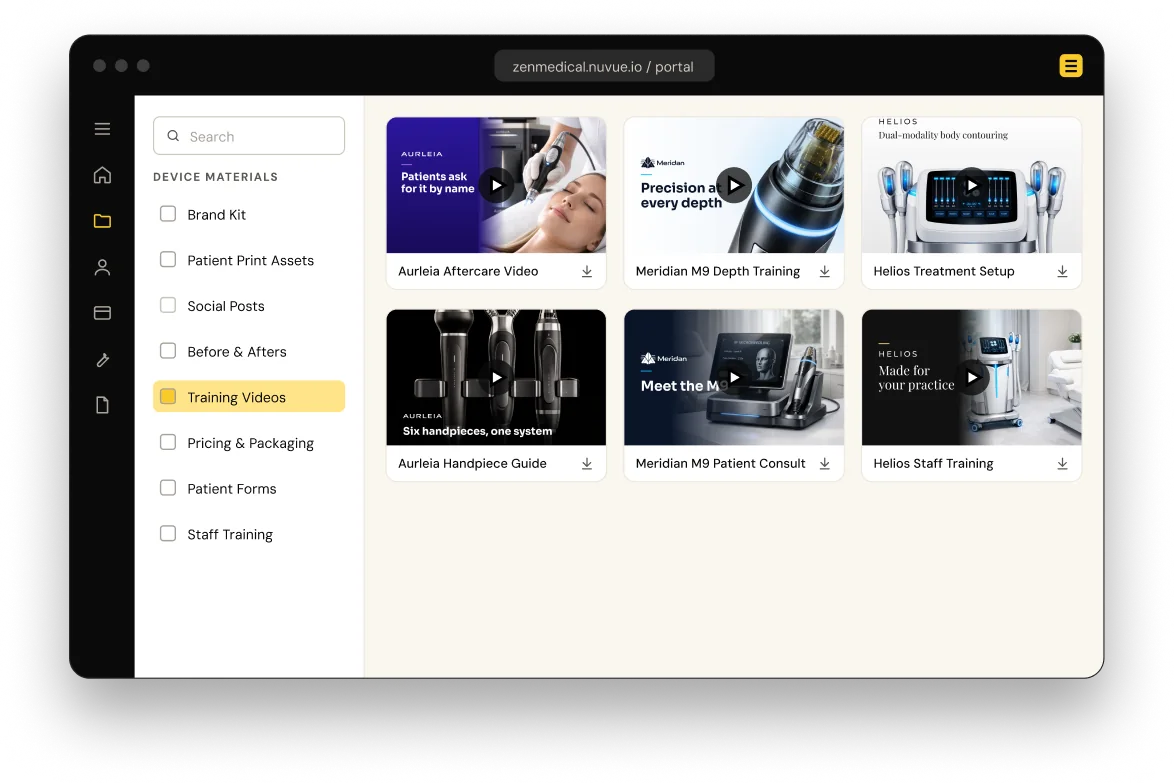 Grow engineTag-Based MediaSurface the right asset by audience, stage, or product.→
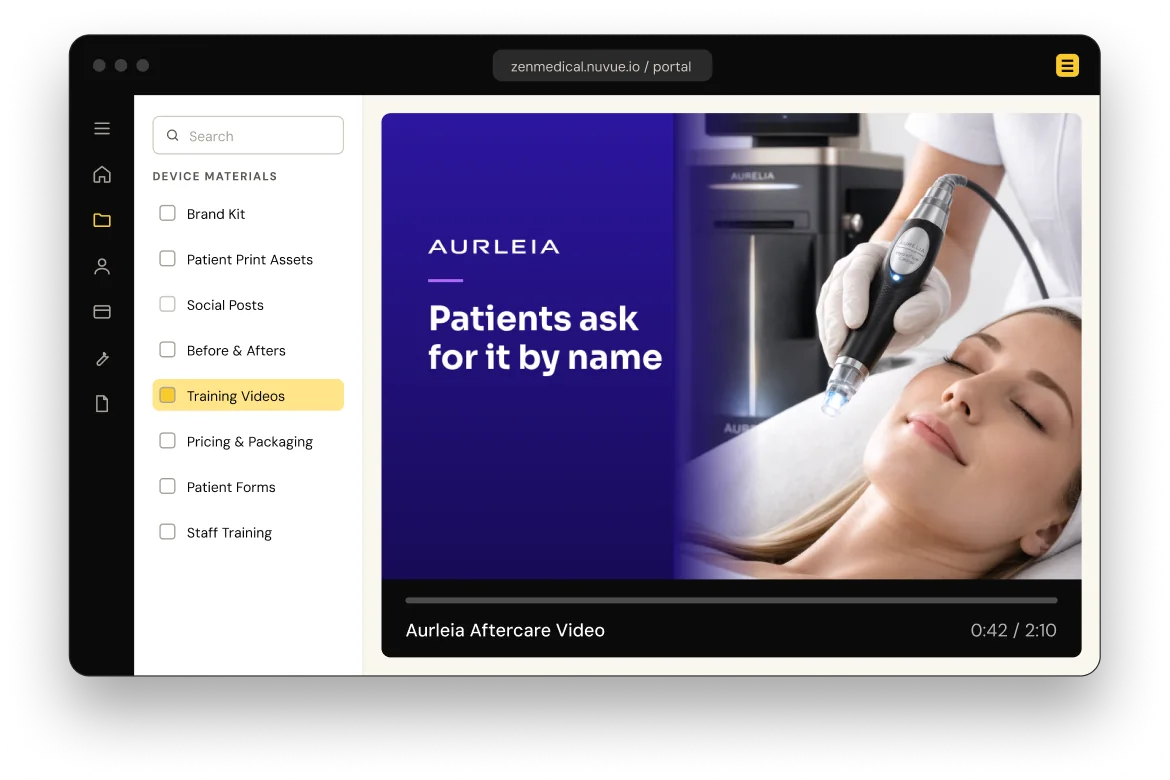 Grow enginePermissionsDecide who sees what, by Site, page or asset.→
Across the platform
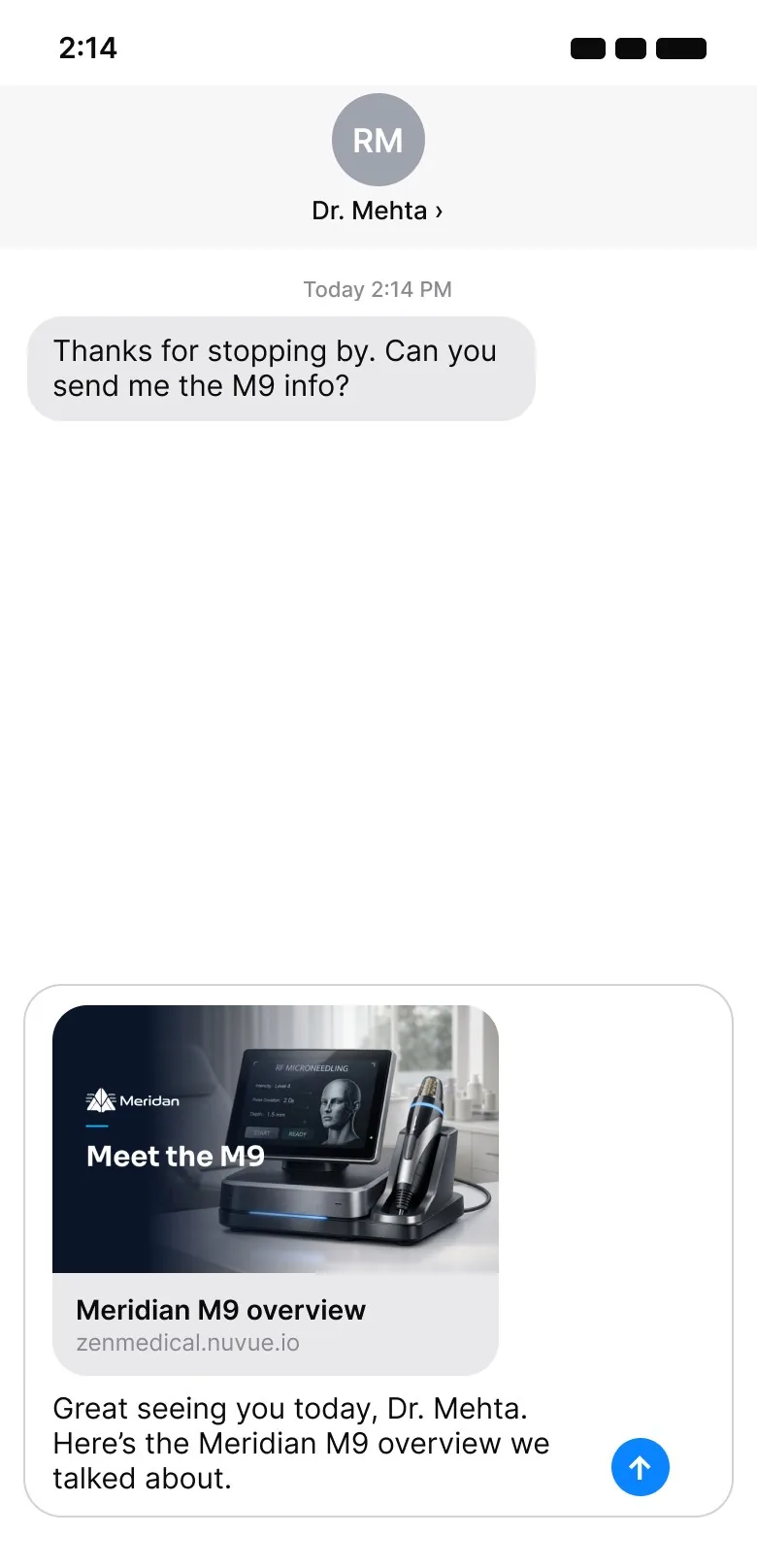 Win enginePlaybooksThe prescribed sequence your reps run, every time.→
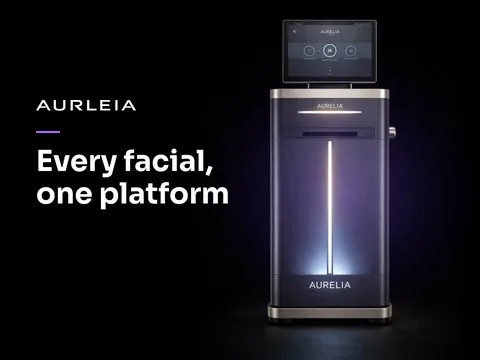 Win engineDrag-and-Drop EditorAssemble pages into Sites. Reps drag and drop, never start from scratch.→
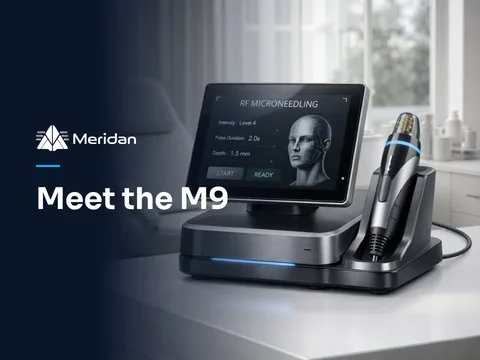 Win enginePage BuilderBlock-based authoring with locked brand assets and mobile-responsive output.→
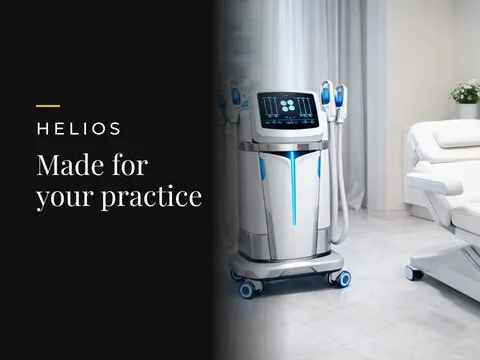 Win engineBrand ControlFonts, colors and claims, locked across every send.→
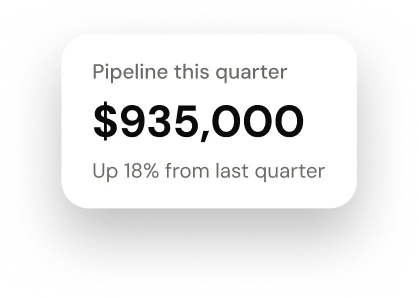 Know engine360° TrackingEvery view, click and share, across every Site.→
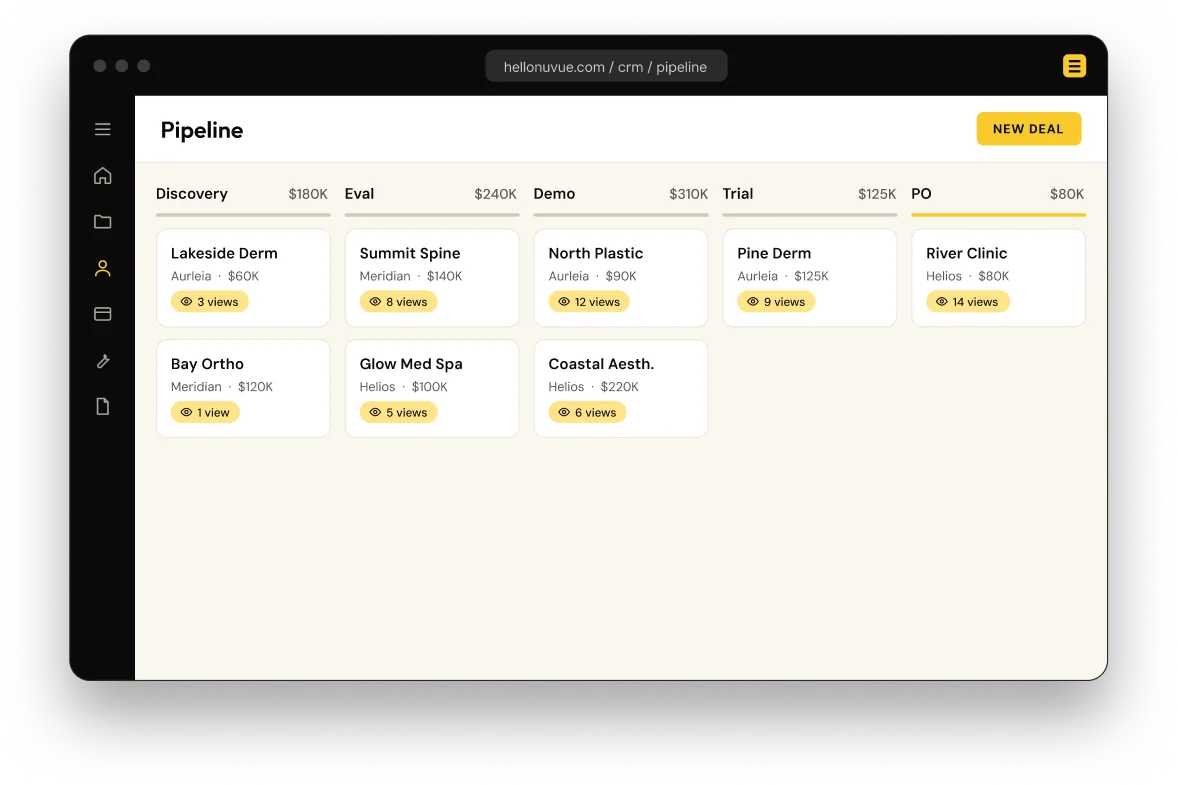 Know engineCRMContacts, deals and engagement in one medtech pipeline.→
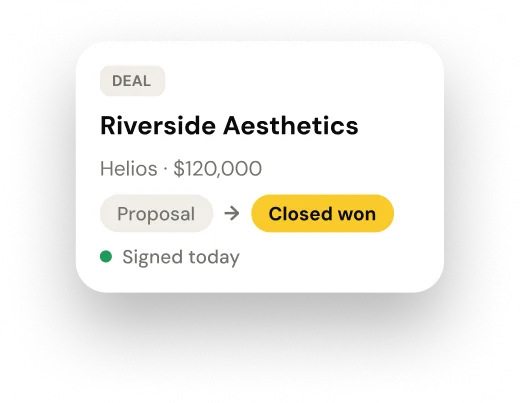 Know engineDealsTrack opportunities through the stages your team runs.→
A better way
to sell medtech.
A 30-minute walkthrough, tailored to your device and your sales cycle. Pick a time that works for you.